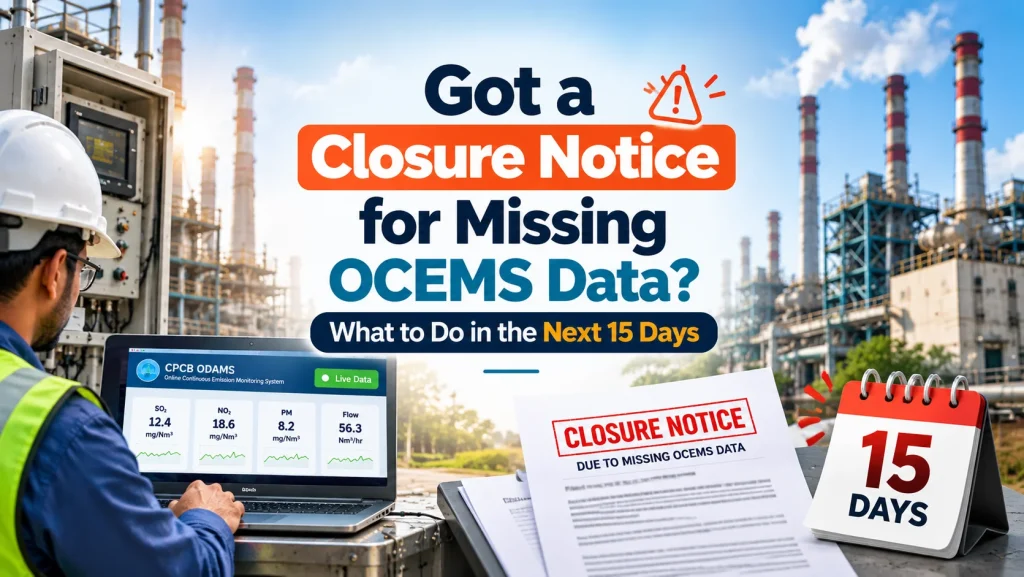
Quick answer: If you have received a closure notice for missing OCEMS data, restore live data to the CPCB and SPCB servers first, then document every step. Within 15 days, file an action taken report with evidence, a self-certificate, and your registration details. These steps strengthen your response, but the board alone decides on revocation.
Key takeaways
- A closure notice for missing OCEMS data is usually either a show-cause notice that gives you time to reply, or a closure direction that takes effect as stated in it.
- Restoring live data on the CPCB portal comes before any paperwork, because the board will check the server, not your letter.
- CPCB’s revocation procedure asks units to give a reason if the revocation request is sent more than 15 days after receiving the closure direction.
- An action taken report should state the cause of the data gap, what you fixed, how you will prevent a repeat, and the evidence attached.
- Do not restart operations under a closure direction until you receive a written revocation. CPCB has levied environmental compensation on units that operated without one.
What does a closure notice for missing OCEMS data mean?
It means the board has noticed that your plant’s online emission or effluent data is not reaching its server, and it is acting on that gap. The exact consequence depends on which kind of notice you have.
Read the first page carefully. You are holding one of two documents:
- A show-cause notice or proposed direction. The board is telling you it intends to act and is giving you a chance to reply. As per the Ministry of Environment, Forest and Climate Change, CPCB generally issues a show-cause notice for minor non-compliance before a closure direction, in line with natural justice.
- A closure direction. This is an order. CPCB issues closure directions under Section 5 of the Environment (Protection) Act, 1986, and state boards act under Section 31A of the Air Act or Section 33A of the Water Act. For gross non-compliance, CPCB can issue a closure direction directly, without a show-cause notice.
Note four things on the notice before you do anything else: the reference number, the issuing authority (CPCB or your SPCB), the date you received it, and the deadline it gives. Everything you send later will quote these.
Missing data is one of the most common reasons for these notices. Since CPCB moved industries to its new portal, ODAMS, a station that shows no data looks the same as a station that was never connected. If your plant is still on the old portal, read why old portal registration is not enough.
What should you do in the first 48 hours?
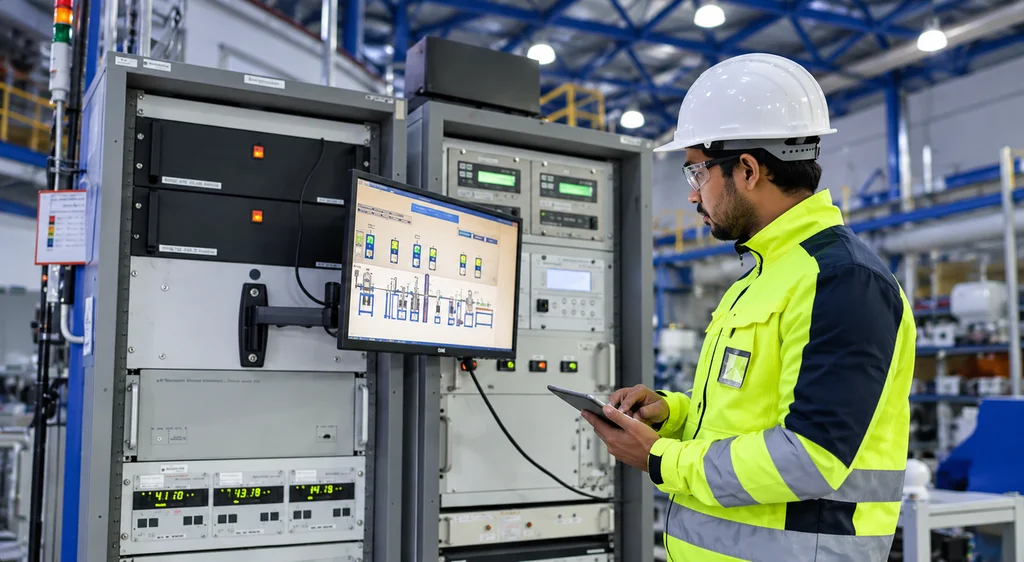
Fix the data first and start your evidence file the same day. A clean reply with no live data behind it does not help your case.
- Name one owner. Give one person, usually the EHS head, charge of the notice. Every call, photo, and email goes through them.
- Comply with the notice as written. If it is a closure direction, follow its instructions on operations. Do not take a chance on restarting.
- Call your analyser service team. Ask for an engineer on site, not a remote opinion.
- Find the break. Use the checklist in the next section.
- Start a dated log. Record every finding and action with time, name, and photograph. This log becomes the spine of your action taken report.
How do you restore OCEMS data connectivity quickly?
Work from the analyser to the portal, in this order. In our experience, most gaps sit in the sample line or the network, not the analyser itself.
- Analyser. Is it powered, out of alarm, and showing live readings on its own display?
- Sample system. Check the probe, filters, chiller, and sample pump. A choked filter can make readings freeze or drop to zero.
- Data logger or gateway. Is it receiving the analyser signal and sending it out? Check its logs and clock.
- Network. Check the SIM, data pack, broadband line, router, and any new firewall rules at your plant.
- Portal side. Confirm your unit is registered on ODAMS at cems.cpcb.gov.in, and that every stack and parameter is mapped correctly.
- Live check. Watch the portal until fresh readings appear for every parameter. Take screenshots with the time visible.
If the fault is in the data logger or its firmware, our IoT data logger for CPCB connectivity page explains what a compliant setup needs.
A situation we see often. A plant receives a notice and assumes the analyser has failed. Our engineer finds the analyser working fine, but the SIM’s data pack expired weeks ago and nobody was watching the portal. The repair takes minutes. The paperwork takes much longer, because the gap is already on record.
Day 1 to 15: your action timeline
This table is a working plan. Adjust it to the deadline written in your notice, which always takes priority.
| Days | Focus | What to do | Output |
|---|---|---|---|
| Day 1 to 3 | Contain and restore | Read the notice and note its reference number and deadline. Comply with any operating instructions. Get an engineer on site, trace the fault and restore data to the CPCB and SPCB servers. Start the dated log. | Live data visible on the portal, with timed screenshots |
| Day 4 to 7 | Prove and document | Watch data for at least 72 hours without gaps. Calibrate the analysers and keep the records. Get a written service report on the cause and the fix. Collect the documents in the checklist below. Draft the action taken report and self-certificate. | Draft action taken report and a complete document file |
| Day 8 to 15 | Submit and follow up | Get the report signed by an authorised signatory. Submit it with the revocation request or reply, as the notice requires. Get acknowledgement of receipt. Prepare for a physical or e-inspection. Answer any board query the same day. | Submission acknowledged, with data still flowing |
Keep one rule in view through all 15 days: under a closure direction, operations resume only after the board’s written revocation. In appeals before the National Green Tribunal, CPCB has described levying environmental compensation on units for the days they operated against a closure direction.
What is an action taken report and what should it contain?
An action taken report, often called an ATR, is your written account to the board of what went wrong, what you have done about it and how you will stop it happening again. It should be factual, dated and backed by evidence.
A strong ATR usually covers:
- The notice reference number, date of receipt and issuing authority
- The period of the data gap, with start and end dates and times
- The root cause, in plain technical language, such as “expired SIM data pack on the data logger”
- Corrective action taken, with dates
- Preventive steps, such as an AMC, spare parts on site or daily portal checks
- Current status, with screenshots showing live data since restoration
- A list of annexures attached
Keep it short and specific. Boards read many of these. A two-page report with clear annexures is easier to verify than a long letter with none.
Which documents should you submit to the board?
Submit whatever your notice asks for first. Beyond that, CPCB’s published revocation procedure and its past revocation practice point to a standard set.
- Copy of the notice or closure direction, with its reference number
- Covering letter or revocation request, addressed as the notice directs, with the reason for delay if sent more than 15 days after receipt
- Action taken report, signed by an authorised signatory
- Self-certificate in the format published by CPCB, mentioning the date of closure where applicable. CPCB’s procedure states that a closure direction will not be revoked without it
- Copy of your registration on the CPCB portal (ODAMS) and station details
- Screenshots or data reports showing continuous data since restoration
- Valid Consent to Operate showing the parameters you must monitor
- Analyser make, model, and serial numbers, with CSIR-NPL certification where applicable
- Calibration records and certificates
- Service report from your vendor on the fault and the repair
- Photographs of the analyser, sampling point and data logger
- Copy of your AMC, if you have one
- Portal viewing credentials or a notarised compliance statement, only if the board asks
After submission, CPCB places revocation requests before a committee with representatives from CPCB and the Ministry of Environment, Forest and Climate Change. Revocation can also come with conditions, such as uninterrupted connectivity and compliance within a set number of days after operations resume. There is no published fixed timeline for a decision, so keep data flowing and answer board queries quickly while you wait.
How do you prevent a repeat?
Make someone responsible for the data every day, and put a service contract behind the hardware. Most repeat notices come from gaps nobody noticed for weeks.
- Check the portal daily. A five-minute look at cems.cpcb.gov.in each morning catches a dead station before the board does.
- Keep spares on site. Filters, a sample pump, a spare SIM, and fuses cover the most common failures.
- Protect power. Put the analyser and data logger on a UPS so short outages do not cut data.
- Use a second network path. A backup SIM from a different operator helps where one network is weak.
- Sign an AMC. An annual maintenance contract with scheduled visits, calibration, and fast breakdown response keeps the whole chain checked. Existing Nevco customers can also raise a support ticket any time.
- Act on portal alerts. Treat every alert as a small notice. Reply and fix it the same day.
How Nevco helps when you receive a notice
We send engineers to find the fault, restore your data, and give you the service records your reply needs. Nevco has worked in emission and effluent monitoring since 1982.
- 60+ sales and service engineers across India, trained at the principal manufacturers
- Repairs for any make, including instruments Nevco did not supply, with full calibration facilities at our service centres
- Service reports and calibration records you can attach to your action taken report
- Track record on data capture: Adani with 100% data capture and real-time transmission to TNPCB, and Srikalahasthi Pipes with 100% data capture
We cannot promise how a board will decide. What we can do is help you restore data quickly and put a complete, well-documented response in front of it.
Received a notice? Call our compliance team today. Phone +91-9999946668 or email sales@nevcoengineers.com, Monday to Saturday, 10:00 AM to 6:00 PM.
FAQ
What is an action taken report?
An action taken report is a written account sent to the board explaining the cause of the problem, what you have done to fix it and how you will prevent a repeat. For missing OCEMS data, it should give the dates of the gap, the root cause, corrective and preventive actions, and screenshots proving live data since restoration, with supporting documents attached.
Can I restart my plant once data is restored?
Not under a closure direction. Restoring data is a step towards revocation, not revocation itself. You should resume operations only after the board issues a written revocation. CPCB has levied environmental compensation on units that operated during a closure direction without revocation. If you received a show-cause notice instead, follow the instructions in that notice.
How soon should I reply to the notice?
Reply within the deadline written in your notice, which always comes first. For CPCB closure directions related to OCEMS, CPCB’s revocation procedure asks units to explain the reason if the revocation request is sent more than 15 days after receiving the direction. Restoring data in the first few days leaves enough time to document and submit properly.
What documents do I need for revocation?
Usually a revocation request letter, an action taken report, a self-certificate in CPCB’s format, your portal registration details, proof of continuous data, a valid consent, analyser details and calibration records. CPCB’s procedure states that a closure direction will not be revoked without the self-certificate. Always add anything your specific notice asks for.
What is a closure notice for missing OCEMS data?
It is a notice from CPCB or your state pollution control board because your online emission or effluent data has not been reaching its server. It may be a show-cause notice that invites your reply before action, or a closure direction that orders your unit to stop operations. Read the first page to see which one you have and what deadline it sets.
Can Nevco help if our analyser is from another brand?
And calibrate instruments even if we did not supply them. Our 60+ sales and service engineers across India can trace the fault, restore data connectivity and provide the service reports and calibration records for your submission. Call +91-9999946668 or email sales@nevcoengineers.com.